Your clipboard, but better

Clipboard monitoring, custom boards, OCR, AI processing, screenshots, transcription, and hot links.

Built for developers, writers, and anyone who copies too much.

Available for macOS, Windows, and Linux. Sponsor on GitHub for source code access.


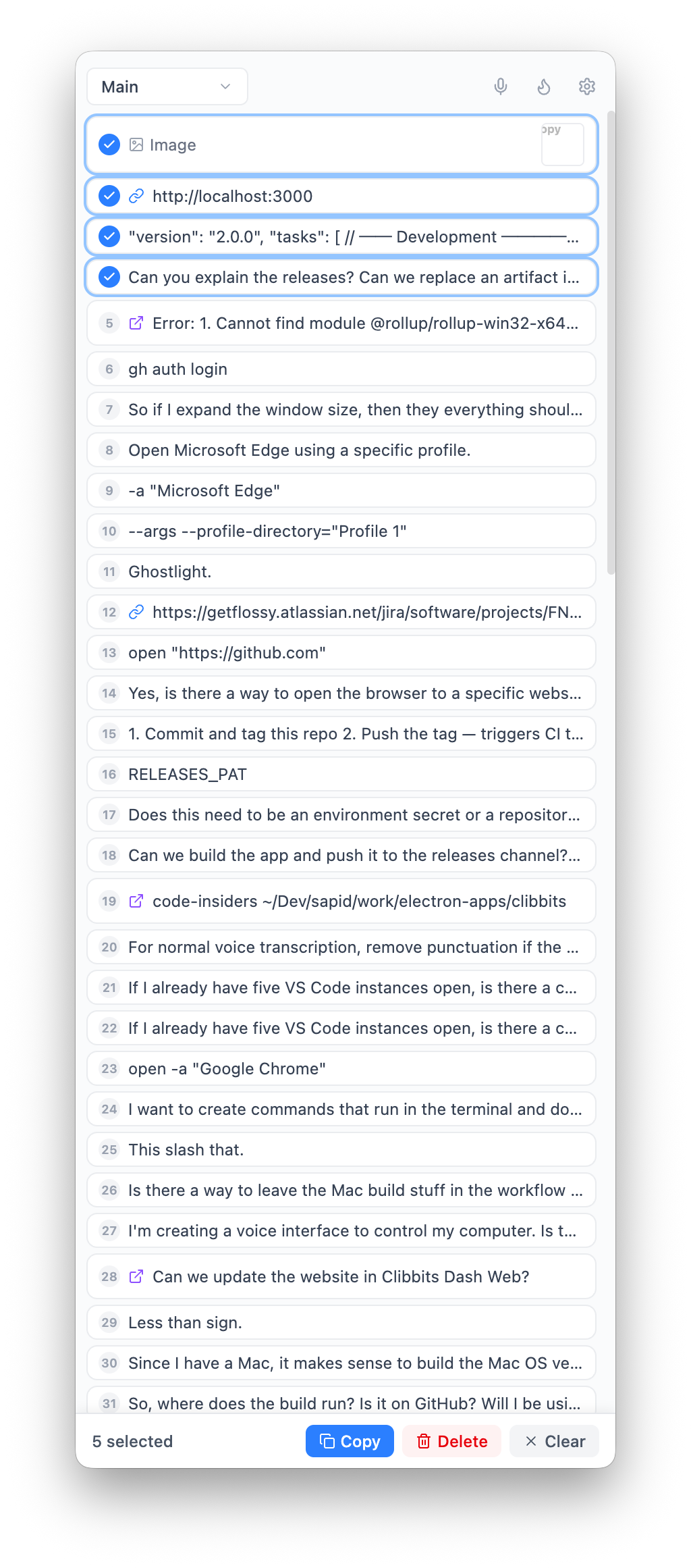
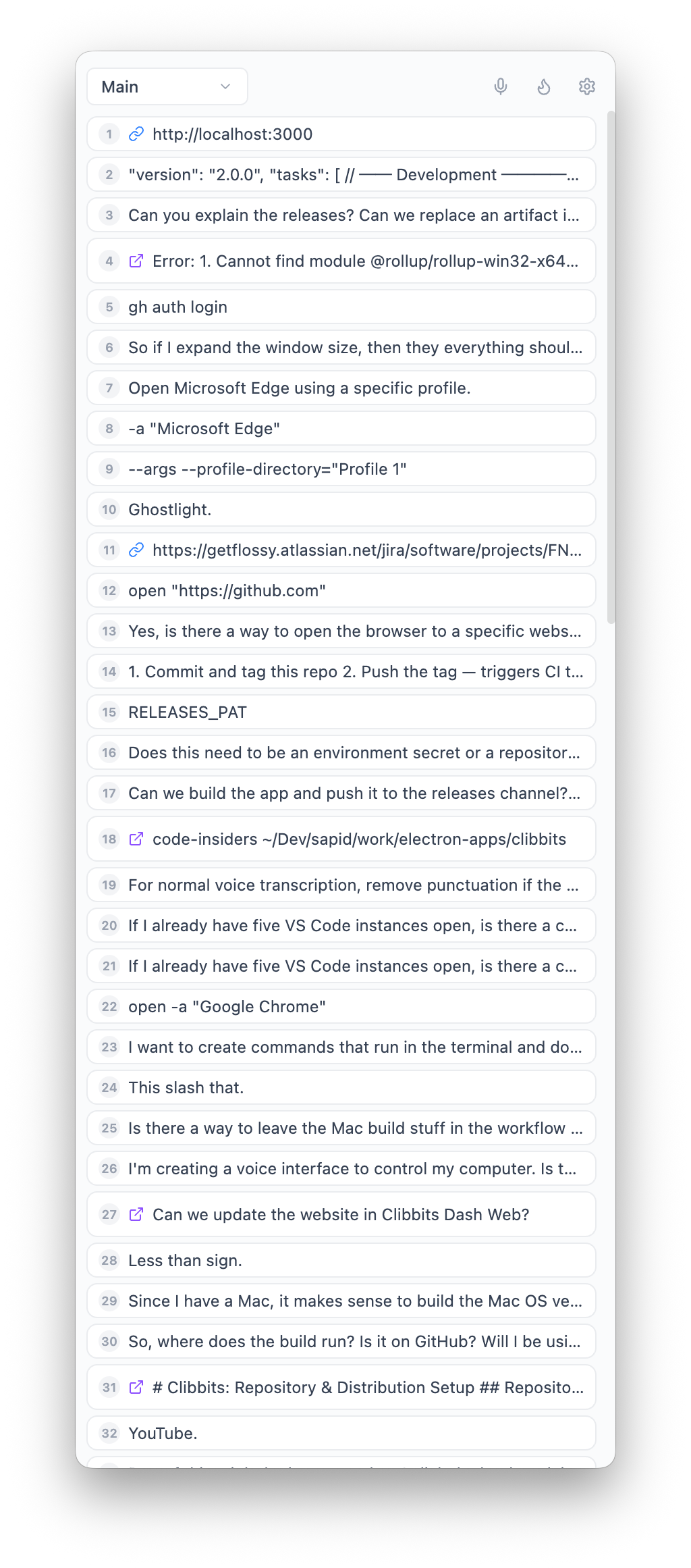
Automatic clipboard history — never lose a copy again.

Every text snippet and image you copy is saved instantly. No manual action required. Clibbits polls your clipboard every 500ms, deduplicates entries, and persists everything to disk.

works locally
+-----------------------------------------+ | Clipboard Monitor [polling] | +-----------------------------------------+ | 12:04:31 "ssh user@prod-03" | | 12:04:28 <image: screenshot.png> | | 12:03:55 "SELECT * FROM users WHER.." | | 12:03:40 "Bearer eyJhbGciOi..." | | 12:02:12 "https://github.com/..." | +-----------------------------------------+ | 5 items | auto-saved to disk | +-----------------------------------------+

Custom boards — organize your clipboard like a kanban.

Create named boards for different projects or workflows. Your main board captures everything by default. Switch between boards to keep context separated. Each board is its own file on disk.

works locally
boards.json +---------+-----------+-----------+ | Main | Project A | Research | +---------+-----------+-----------+ | | | | | index | a3f7... | b8c2... | | .json | .json | .json | | | | | +---------+-----------+-----------+ active: Project A

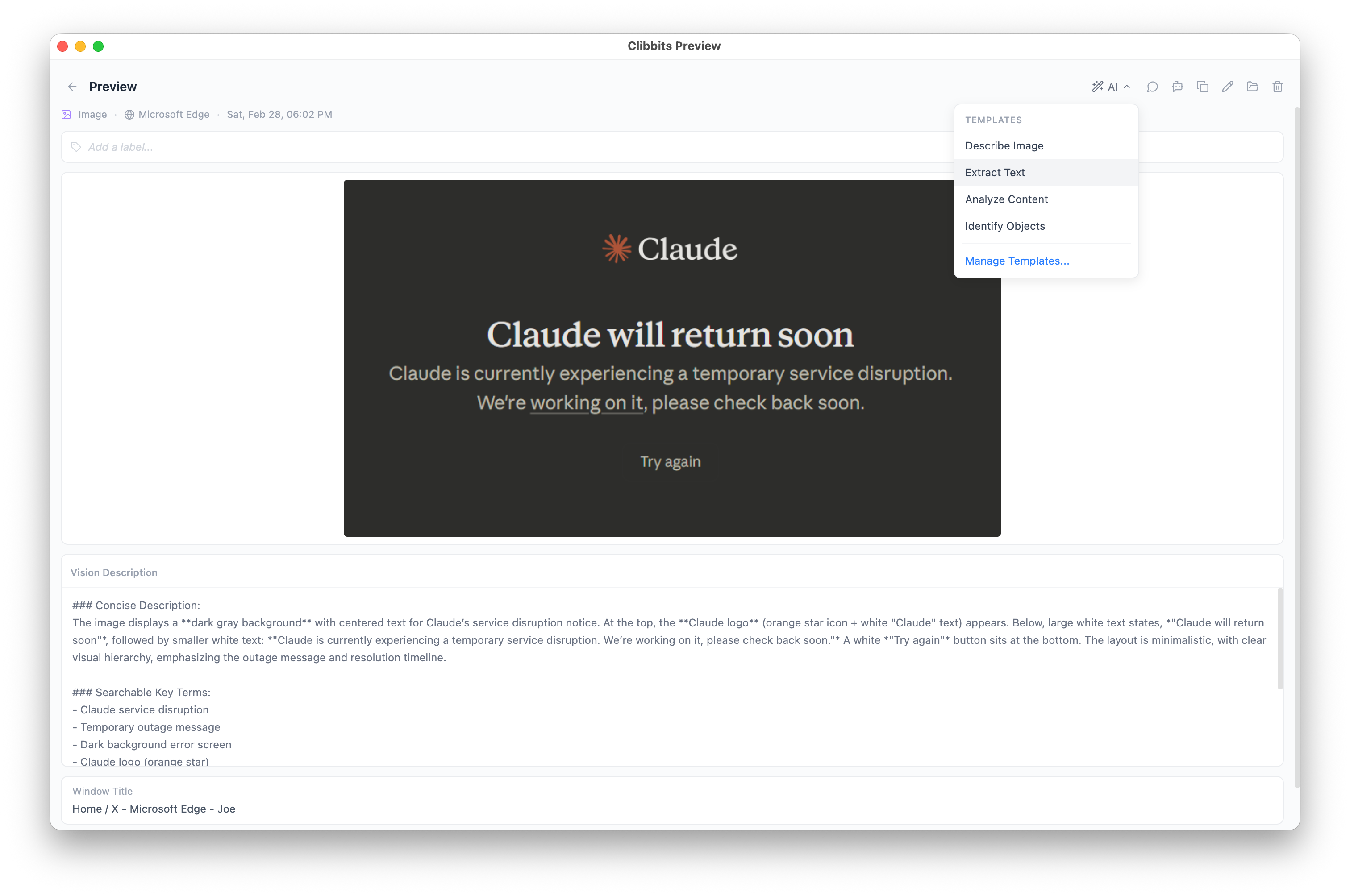
OCR built in — copy text from any image.

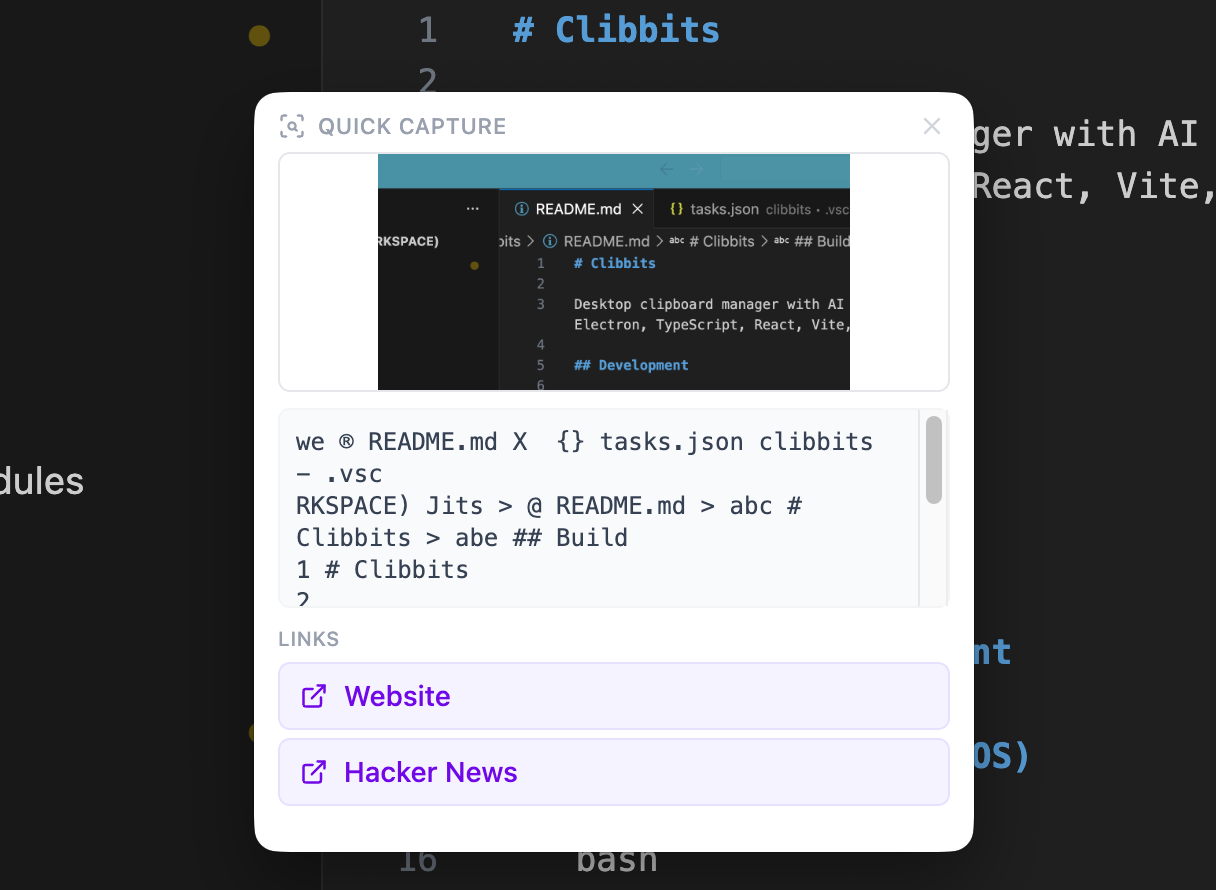
Paste a screenshot containing text and Clibbits extracts it with Tesseract.js. Error messages from terminal screenshots, text in design mockups, code from conference slides — all become searchable, copyable text.

works locally
+---------------------------+ | [Screenshot of terminal] | | | | Error: ENOENT: no such | | file or directory, | | open '/tmp/config.yml' | +---------------------------+ | v Tesseract.js +---------------------------+ | "Error: ENOENT: no such | | file or directory, | | open '/tmp/config.yml'" | +---------------------------+ ready to paste

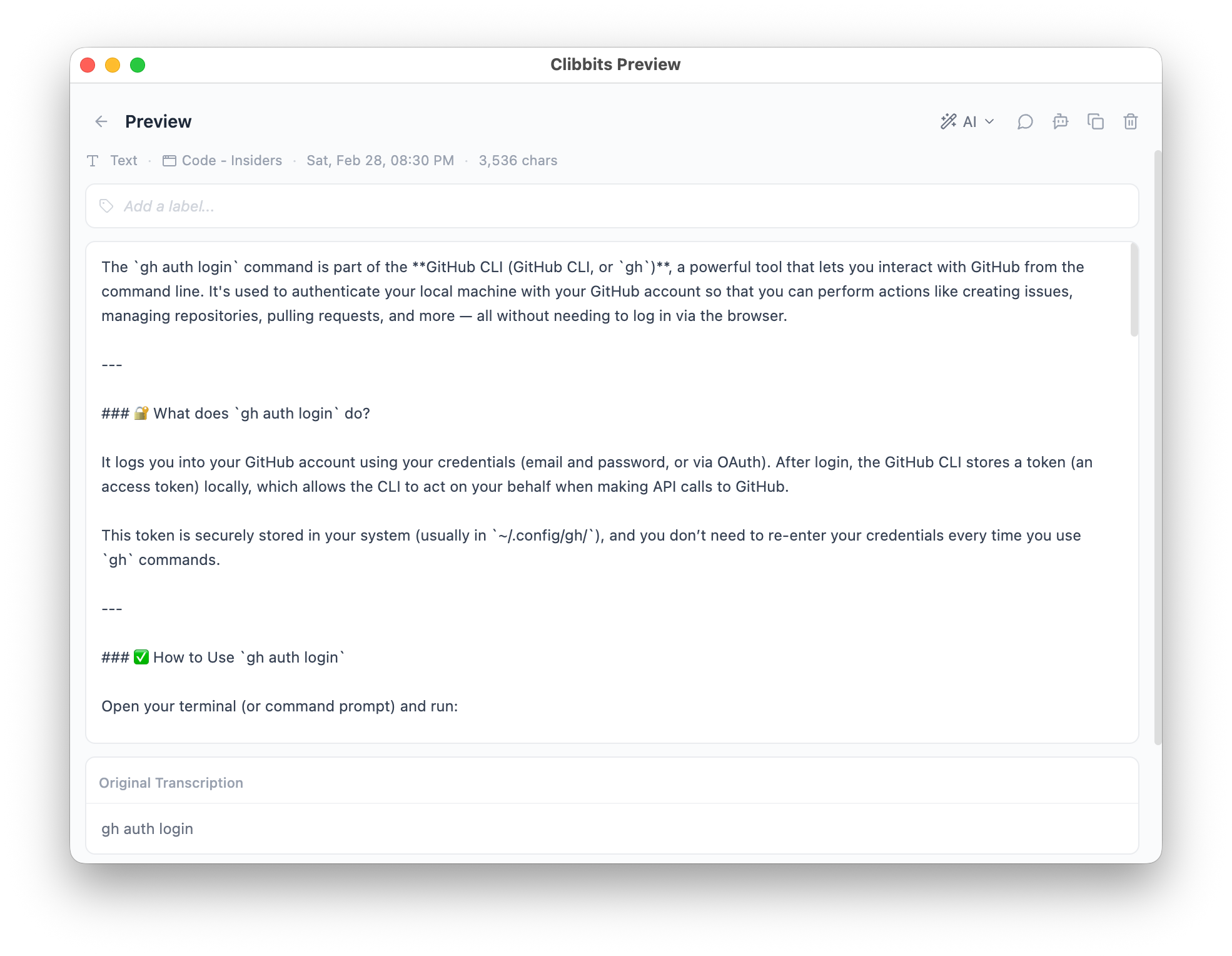
AI text processing — transform clipboard content on the fly.

Send any clipboard entry through Gemini AI with custom prompt templates. Summarize long text, translate, extract key points, rewrite for tone, or run any prompt you define. Results land right back in your clipboard.

requires internet
clipboard item "The quarterly results indicate a significant deviation from projected growth metrics across all verticals, particularly in the B2B SaaS segment where ARR fell short by 12%..." | v prompt: "summarize in one line" | "Q4 missed ARR targets by 12%, mainly in B2B SaaS."

Hot Links — clipboard text becomes clickable.

Define regex patterns that match clipboard content and generate URLs. Copy a Jira ticket ID and get a clickable link. Copy a commit hash and open it on GitHub. Patterns use capture groups so you wire them up once and they just work.

See the dedicated Hot Links page with setup examples.

works locally
settings > hot links +------------------------------------+ | Label: Jira Ticket | | Pattern: ([A-Z]+-\d+) | | URL: https://jira.co/browse/$1 | +------------------------------------+ clipboard: "Fix AUTH-2847 before release" | v [Jira Ticket: AUTH-2847] <-- click to open

Context stacking — bundle multiple items into one paste.

Add clipboard entries and transcription snippets to a stack. When you're ready, paste the entire stack as a single block of context. Great for feeding multiple pieces of information into an AI chat or a bug report.

works locally
Stack Panel +------------------------------------+ | 1. error log from terminal | | 2. screenshot of failing UI | | 3. relevant config snippet | | 4. voice note transcription | +------------------------------------+ | v paste all +------------------------------------+ | [combined context block] | | | | ready for Claude / ChatGPT / Slack | +------------------------------------+

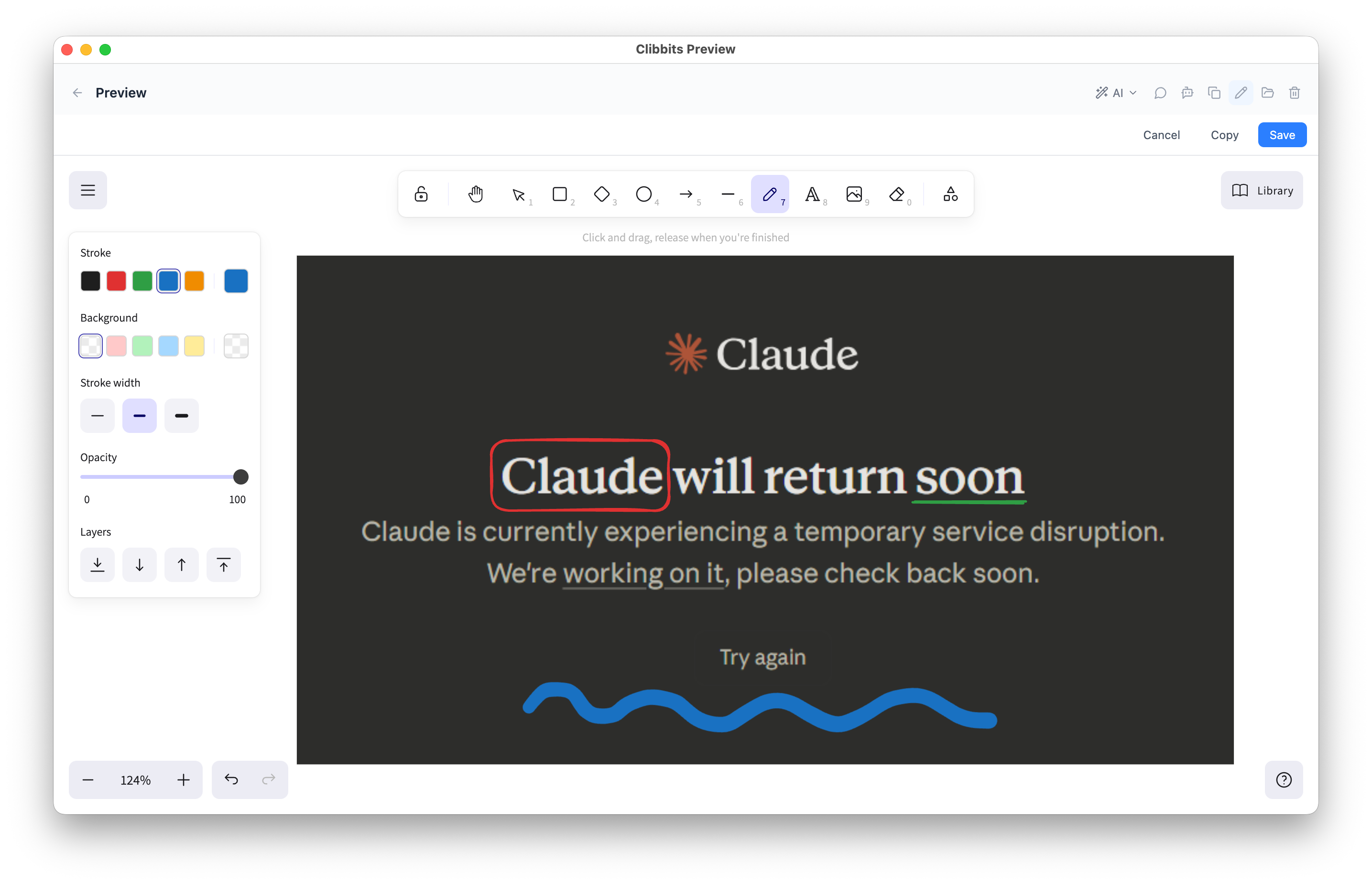
Screenshot capture and annotation.

Capture your screen, draw on the result, and paste it. Circle the bug, arrow to the button that's wrong, scribble a quick wireframe. No export step, no separate app — it's already in your clipboard.

works locally
+---------------------------+ | screen capture | | +---+ | | | O | <-- circle | | +---+ | | \ | | \ arrow here | | v | | [ button ] | +---------------------------+ annotated & copied

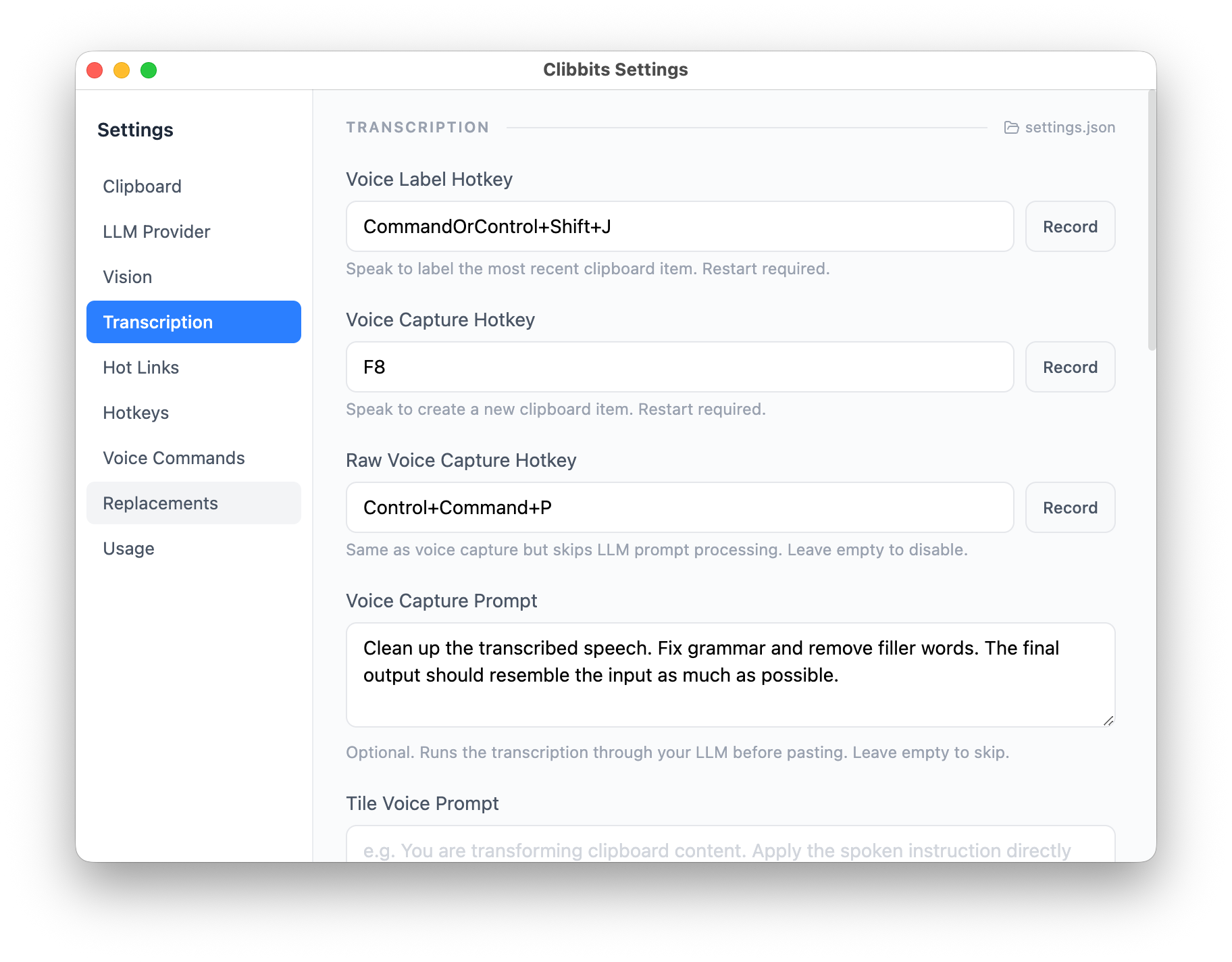
Voice transcription — speak, don't type.

Real-time voice-to-text that lands in your clipboard or directly onto the stack. Dictate notes, describe a bug, or narrate what you're looking at. The transcription is local and fast.

works locally
mic on +------------------------------------+ | "The login page throws a 403 after | | the token refresh, I think it's | | the cookie domain mismatch we | | saw last week..." | +------------------------------------+ | v transcribed +------------------------------------+ | The login page throws a 403 after | | the token refresh. Likely the | | cookie domain mismatch from last | | week. | +------------------------------------+

Source app tracking — know where everything came from.

Every clipboard entry records which application it came from. When you're reviewing history, you can see at a glance whether that snippet was from VS Code, Chrome, Slack, or Terminal.

works locally
clipboard history +------------------------------------+ | "rm -rf node_modules" | | from: Terminal 12:04:31 | +------------------------------------+ | "function debounce(fn, ms) {..." | | from: VS Code 12:03:55 | +------------------------------------+ | "Can you review PR #412?" | | from: Slack 12:02:12 | +------------------------------------+